| Place of Origin: | USA / HongKong / Singapore / ireland |
|---|---|
| Brand Name: | Microsoft |
| Certification: | Microsoft Office |
| Model Number: | Microsoft Office 2021 Pro Plus |
| Minimum Order Quantity: | 10 pcs |
| Price: | Negotiable |
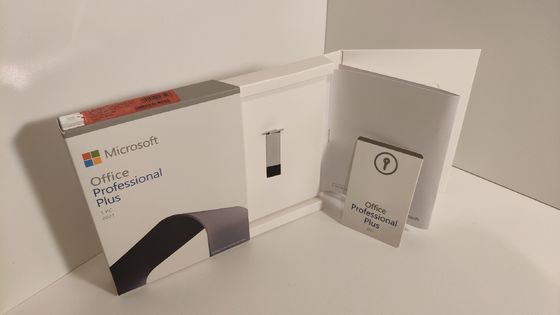
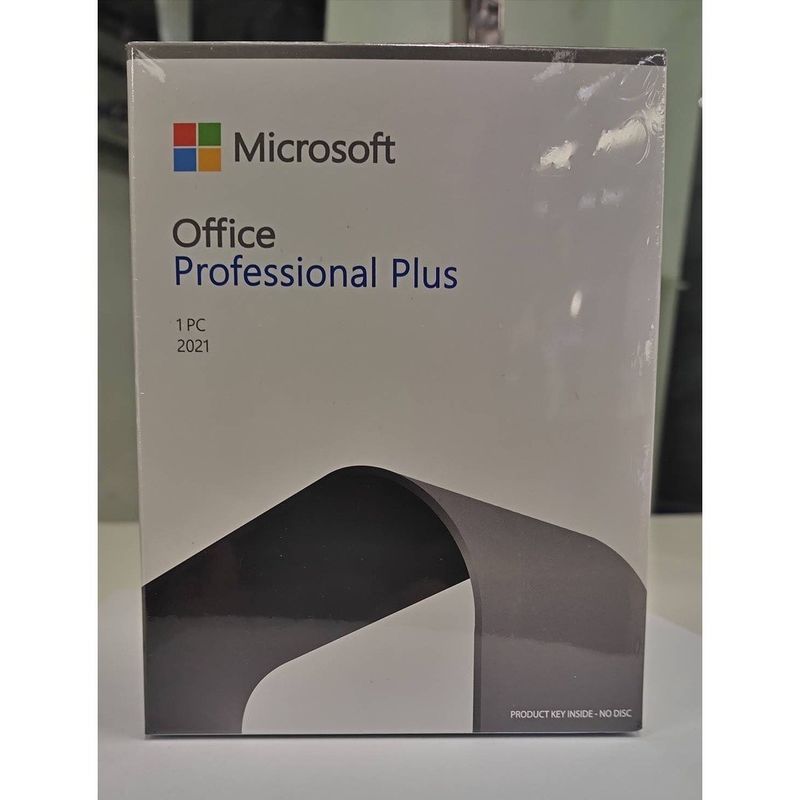
| Packaging Details: | Factory Sealed OEM Package |
| Delivery Time: | 1-3 days |
| Payment Terms: | T/T,WU,Money Gram,L/C,D/A,D/P,Western Union |
| Supply Ability: | 10000pcs / month |
| Version: | PKC / OEM / Retail | Media: | 32bit / 64 Bit |
|---|---|---|---|
| Language: | English / French / Arabic / Spanish / Optional | Brand: | Microsoft |
| Name: | Microsoft Office 2021 Pro Plus | Application: | International / Global Area |
| Highlight: | microsoft office 2021 professional plus for windows pc,microsoft office 2021 professional plus for mac,office 2021 professional plus for windows |
||
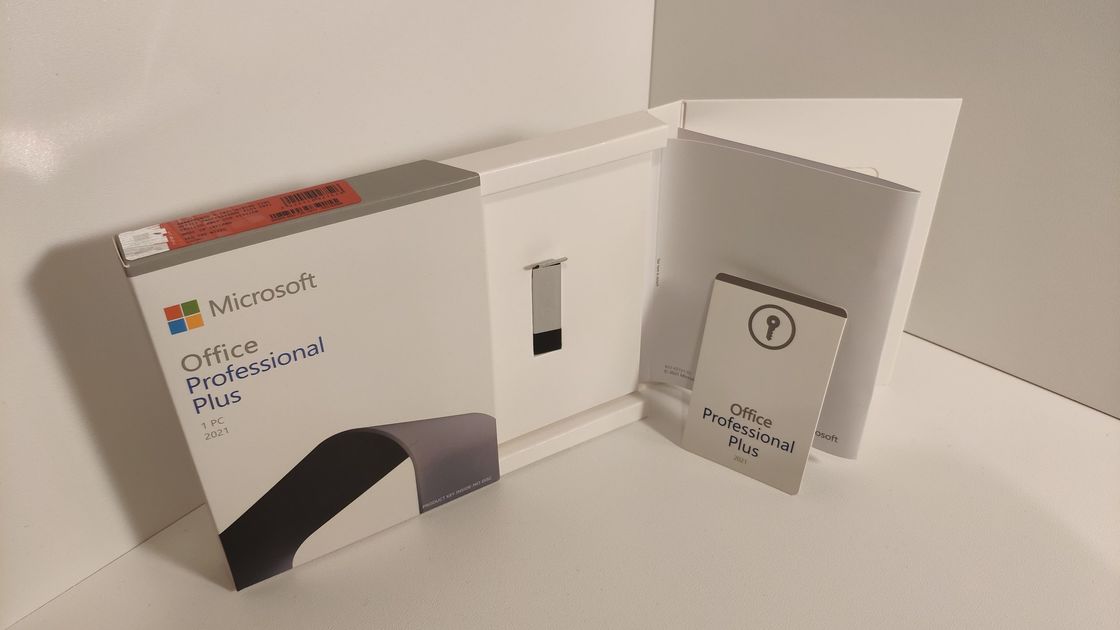
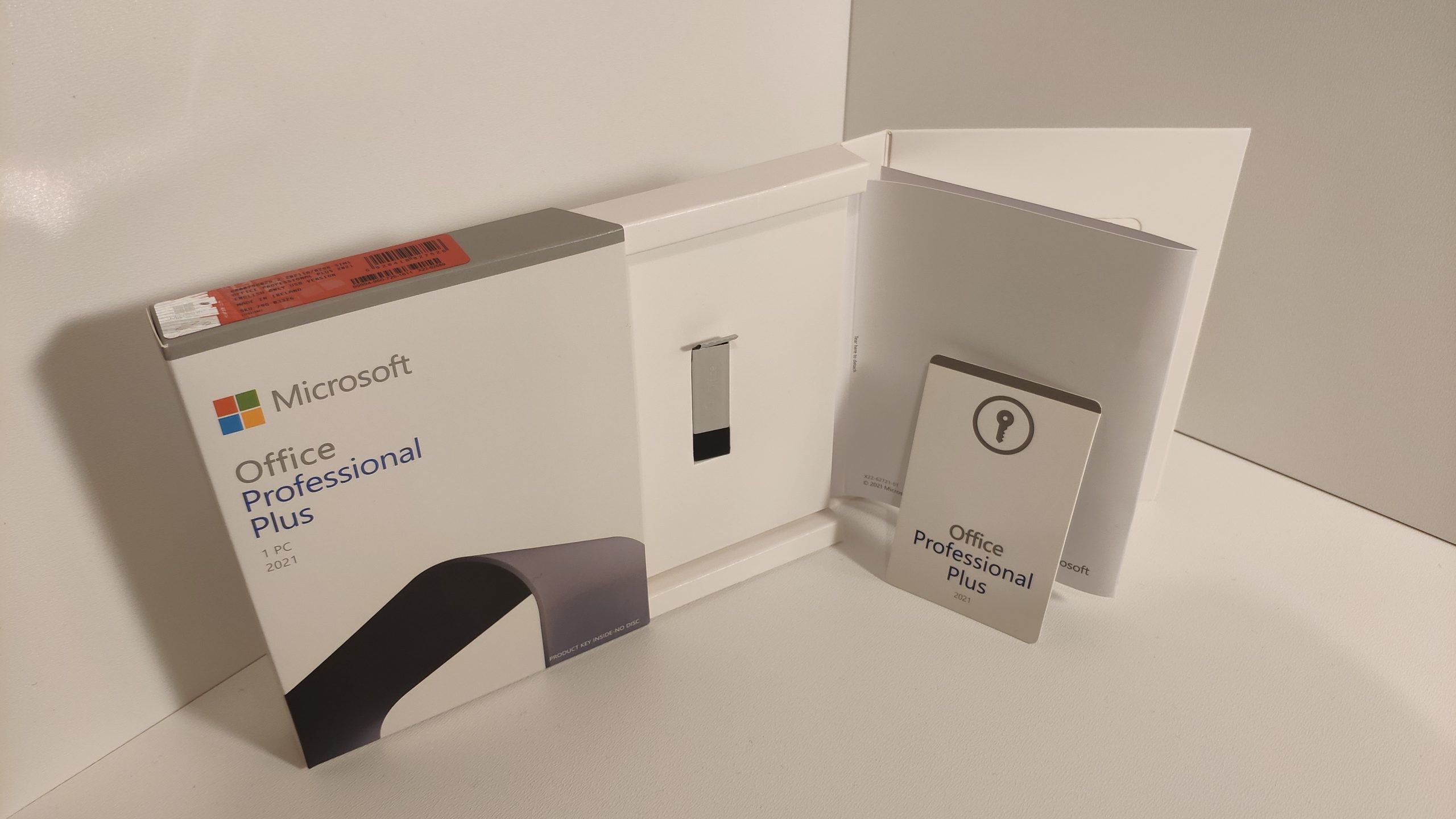
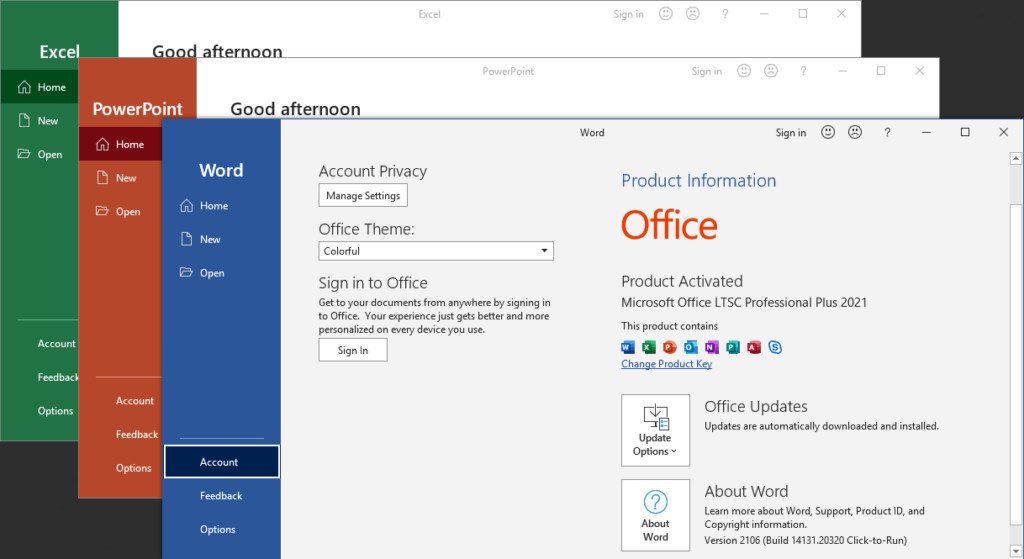
Microsoft Office 2021 Pro Plus | Lifetime License for Windows & Mac
Quick Details:
| windows computer system: | Microsoft Office Application: |
| windows 11 pro OEM 64 bit English / French / Arabic / Spanish / Other | Office 2021 Professional Plus Version / PKC / USB / OEM / COA Sticker |
| windows 11 pro Retail 64 bit English / French / Arabic / Spanish / Other | Office 2021 Home and Business Version / PKC / USB / OEM / COA Sticker |
| windows 10 pro OEM 64 bit English / French / Arabic / Spanish / Other | Office 2021 Home and Student Version / PKC / USB / OEM / COA Sticker |
| windows 10 pro Retail 64 bit English / French / Arabic / Spanish / Other | Office 2019 Home and Business Version / PKC / USB / OEM / COA Sticker |
| windows 11 Home OEM 64 bit English / French / Arabic / Spanish / Other | Office 2019 Home and Student Version / PKC / USB / OEM / COA Sticker |
| windows 11 Home Retail 64 bit English / French / Arabic / Spanish / Other |
Office 2019 Professional Plus Version / PKC / USB / OEM / COA Sticker
|
| windows 10 Home OEM 64 bit English / French / Arabic / Spanish / Other | Office2021 Home and Student Version for MAC |
| windows 10 Home Retail 64 bit English / French / Arabic / Spanish / Other | Office2021 Home and Student Version for WIN |
What’s Included?
Core Apps:
Compatibility
Operating Systems:
Key Features
Productivity Tools:
System Requirements
Adaptation Conditions:
Why Buy This Version?
Functional differences between office2021 versions:
![]()
| office2021 Home and Student | office2021
Home and Business |
office2021 Professional | |
| Licensing Count | 1 device | 1 device | 1 device |
| supported os | windows[10/11 (64-bit)] macos(10.15 Catalina)Or later version |
windows[10/11 (64-bit)] macos(10.15 Catalina)Or later version |
| included | word/excel/ powerpoint | word/excel/ powerpoint/Outlook | word/excel/power outlook/Access(windows) /publisher(windows) |
| Onedrive | 5GB | 5GB | 5GB |
| purchase methed | one-time purchase | one-time purchase | one-time purchase |
Step up to the newest Office tools for growing your business
|
|
Features: Rich text formatting, templates, collaboration tools, grammar checking. Advantages: User-friendly interface, powerful formatting options, compatibility with various file formats. |
|
Features: Formulas, functions, pivot tables, data visualization tools. Advantages: Powerful data handling capabilities, extensive library of functions, collaboration features. |
|
|
Features: Templates, animations, transitions, media embedding. Advantages: Ease of use, rich design options, ability to create engaging visual content. |
|
|
Features: Email composition, scheduling, integration with other Office apps. Advantages: Comprehensive management of personal information, integration with other Office tools, security features. |
|
|
Features: Design tools, templates, precise layout controls. Advantages: Design flexibility, professional output options, user-friendly interface. |
| Required Processor | Requires a processor with a speed of at least 1 GHz, supporting SSE2, SSE3, or AES-NI instructions. |
| Required Operating System |
Windows 10 Windows 11 macOS Big Sur (11.6.7 or later). macOS Monterey (12.0 or later). macOS Ventura (13.0 or later). |
| Required Memory | 2 GB RAM (32 bit); 4 GB RAM/8GB RAM (64 bit) |
| Required Hard Disk Space | 3.0 GB available(32bit);4GB available (64bit) |
| Required Display |
Resolution: 1024x768 pixels (1280x800 pixels or higher recommended). Graphics: A graphics device supporting DirectX 9 or later |
| Required .NET Version |
Requires .NET Framework 4.6 or later. |
| Multi-touch |
Operating System: Requires Windows 10 or later with multi-touch support. Hardware: Requires a multi-touch capable device, such as a touch screen or touchpad. |
Highlight:
| Better collaboration with modern annotations Control when comments are sent to co-creators and enable an efficient and consistent annotation experience across Word, Excel, and PowerPoint. |
|
| See where others are working with you and where they are in the document. You can find this experience in Word, Excel, and PowerPoint. | |
| visual refresh Use a modern "Start" experience and newly refreshed tabs in the Ribbon. Experience crisp, crisp styles with single-line icons, neutral color palettes, and softer window corners. These updates convey actions and provide functionality with simple visuals. |
|
| The XMATCH function searches for a specified item in an array or cell range and then returns the relative position of the item. The XMATCH function can also be used to return values in an array. |